






About Cyber Cleaner
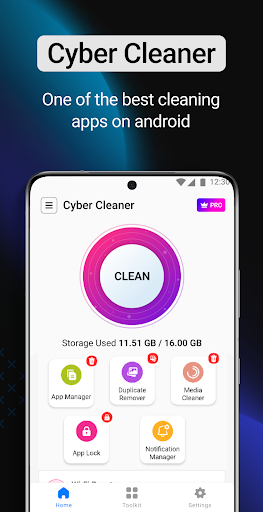
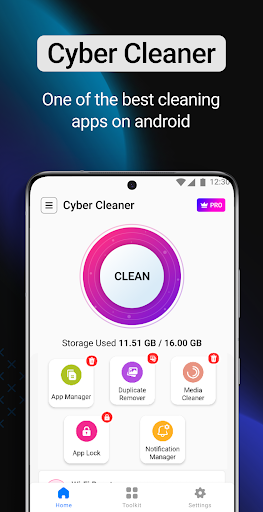
Cyber Cleaner is an Android utility app that helps keep your device running smoothly and securely. It offers tools to scan for threats, manage apps, and free up storage space.
Key Functions
Scan for Threats
Identifies harmful apps by scanning permissions, providing risk levels and insights for device security.
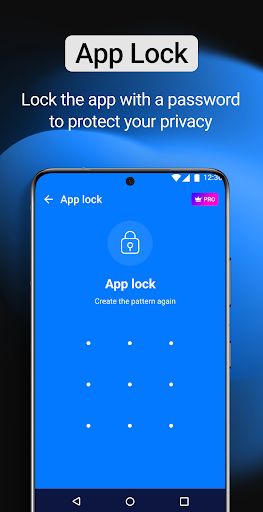
App Lock
Protects your privacy by locking apps with a password or pattern, keeping your data safe.
App Manager
Easily uninstall, backup, and manage apps for efficient storage and a decluttered device.
Duplicate Photo Remover
Automatically finds and deletes duplicate photos, freeing up valuable storage space.
Media Cleaner
Scans and removes unwanted media like videos and audio files for better organization.
Use Cases
Users can protect sensitive apps with App Lock, clean up storage by removing duplicate photos and media files, and uninstall unused applications. This helps maintain a fast, secure, and organized Android device.
How It Works
- Open Cyber Cleaner and grant necessary permissions.
- Navigate to the desired function, like Threat Scanner or App Manager.
- Follow the on-screen prompts to perform actions such as scanning, locking, or uninstalling.
- Review the results and confirm any deletions or changes.

 Google Play
 App Store
